

JHub App Launcher with Nebari
JHub App Launcher is a generalized server launcher for deploying web applications via JupyterHub. The App Launcher serves as the "home" page for Nebari - providing access to various Nebari services (e.g. JupyterLab, VS Code, conda-store) and access to deploy custom web apps.
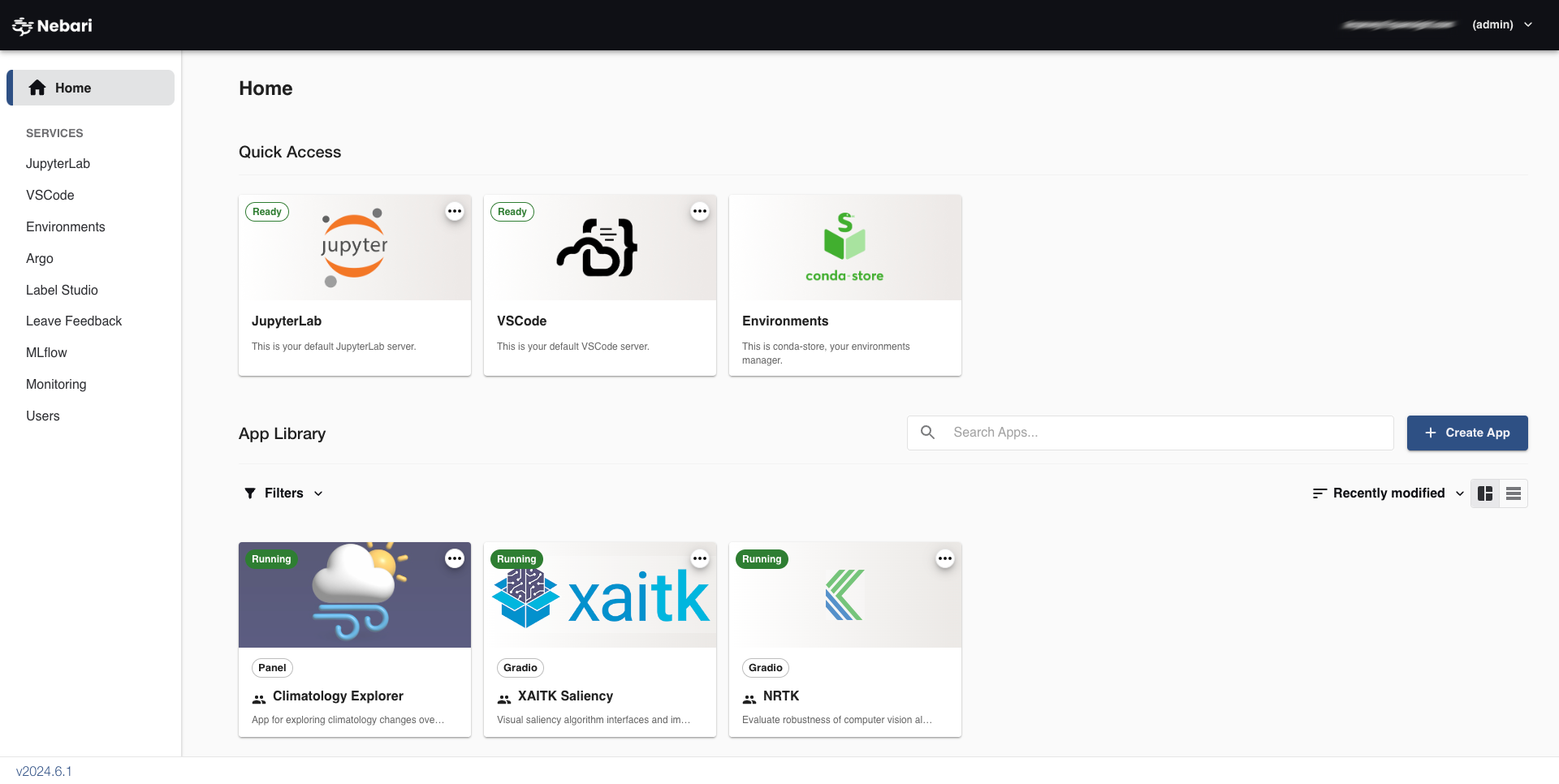
You can use it to create and share apps using various frameworks such as:
- Panel
- Bokeh
- Streamlit
- Plotly Dash
- Voila
- Gradio
- JupyterLab
- Any generic Python command
Installation on Nebari
Section titled “Installation on Nebari”JHub App Launcher can be enabled on Nebari by adding the following in the
nebari-config.yml:
jhub_apps: enabled: trueOverrides
Section titled “Overrides”This integration also supports overrides, as in configuring jhub-apps via nebari-config.yml.
The syntax for the same is given below:
jhub_apps: enabled: true overrides: # Anything that can be customized via # c.JAppsConfig.<ATTRIBUTE> # See https://github.com/nebari-dev/jhub-apps/blob/5ed5c9d3d1eeb08a5710001fef1e63295d7cb48d/jhub_apps/config_utils.py#L5 service_workers: 4 blocked_frameworks: - jupyterlab - customDocumentation on how to create apps is included in the
JHub Apps documentation.
Deployed apps on Nebari will utilize environments from conda-store. All apps
will need to include jhsingle-native-proxy >= 0.8.2 in their environment along with
other framework-specific dependencies. For example, deploying a panel app will
require panel itself and additional tools for deploying panel apps such as
bokeh-root-cmd >= 0.1.2. See the documentation for specific requirements on
each framework.