
Customize JupyterHub theme
Nebari uses a custom JupyterHub theme, nebari-dev/nebari-jupyterhub-theme. Users can further customize the theme through these available options:
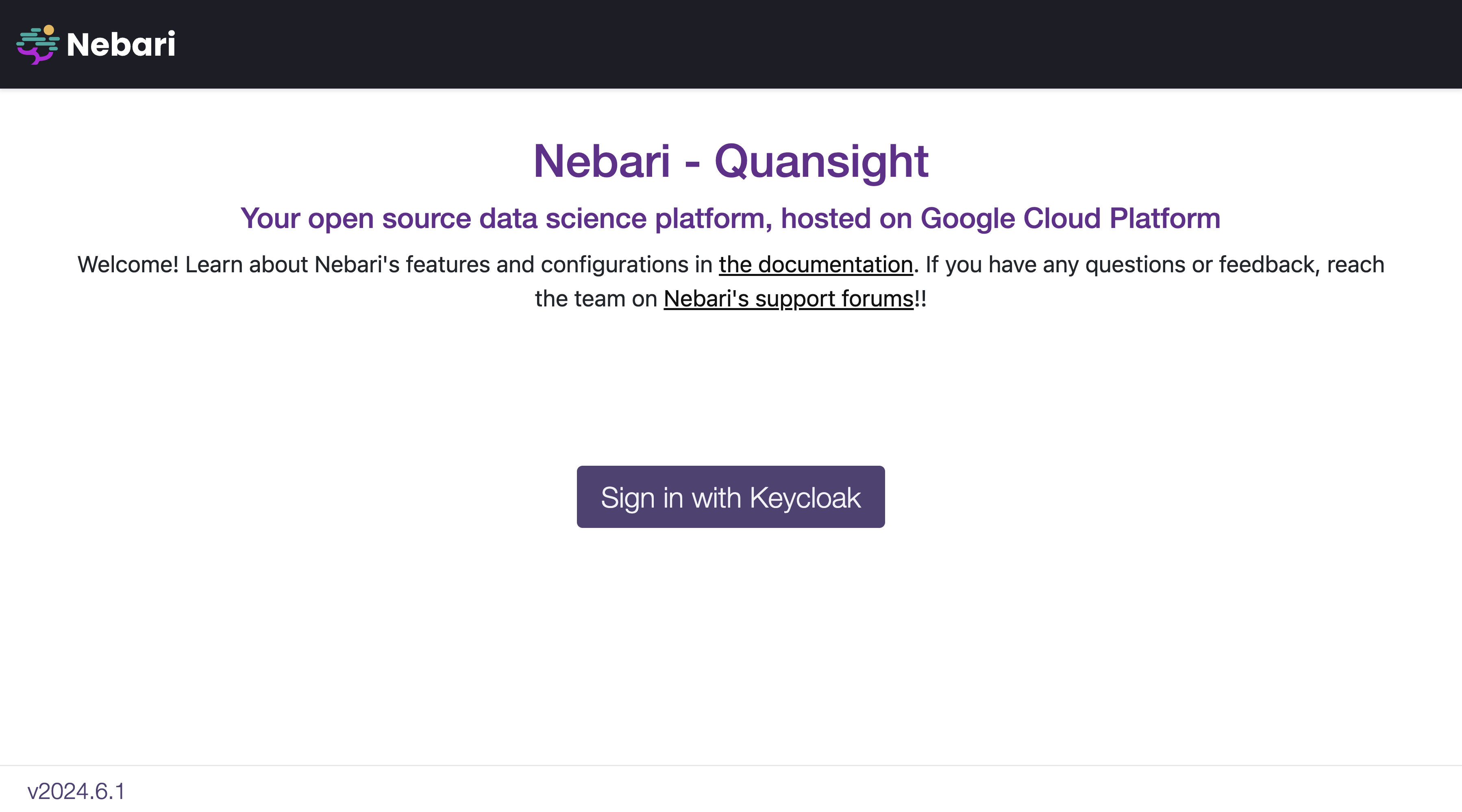
Below is an example of a custom theme configuration for a GCP deployment:
### Theme ###theme: jupyterhub: hub_title: demo.nebari.dev hub_subtitle: Your open source data science platform, hosted on Google Cloud Platform welcome: | Welcome! Learn about Nebari's features and configurations in <a href="https://www.nebari.dev/docs">the documentation</a>. If you have any questions or feedback, reach the team on <a href="https://www.nebari.dev/community#getting-support">Nebari's support forums</a>. logo: /hub/custom/images/Nebari-Logo-Horizontal-Lockup-White-text.svg primary_color: "#cb39ed" secondary_color: "#2bd1c5" accent_color: "#eda61d" text_color: "#1c1d26", h1_color: "#0f1015", h2_color: "#0f1015", navbar_text_color: "#E8E8E8", narbar_hover_color: "#00a3b0", navbar_color: "#1c1d26", display_version: true version: v2022.10.1